


Best Tools for Creating Diwali Posters Online
A guide to the best apps and tools for creating Diwali greetings and marketing posters
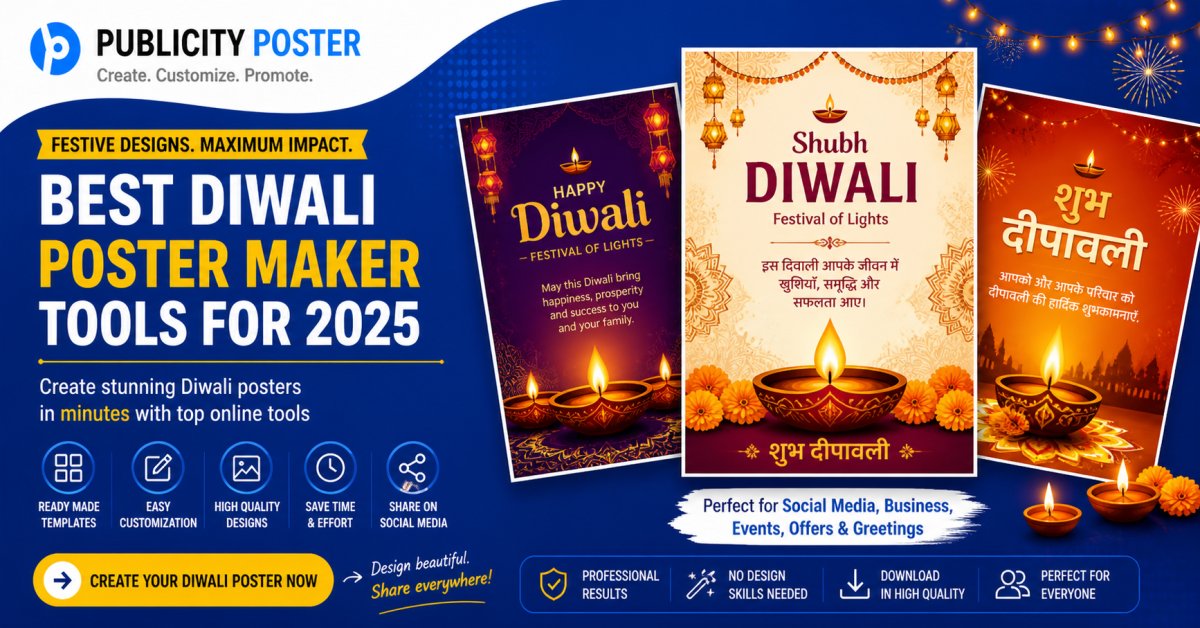
Diwali—the festival of lights—isn’t just about diyas and sweets anymore. In today’s digital age, it’s also a golden opportunity for businesses, creators, and influencers to connect with their audience through eye-catching Diwali greetings and marketing posters.
Whether you're a small business looking to boost Diwali sales, or a designer crafting festive wishes for your followers, the right tools can make all the difference. The good news? You don’t need to be a Photoshop wizard to design something beautiful. From mobile apps to online tools, there’s something out there for everyone—no graphic design degree required.
Let’s dive into some of the best apps and tools for designing Diwali creatives that pop, sparkle, and sell.
1. Canva – The All-Rounder for Diwali Designs
Perfect for: Beginners, small business owners, marketers
Why it shines:
Canva is hands down the easiest tool for creating Diwali marketing posters, Instagram posts, stories, reels thumbnails, banners, and more. With thousands of pre-made Diwali templates, all you have to do is tweak the colors, update your message, add your logo—and you’re good to go.
Standout features:
-
Ready-to-use Diwali greeting templates
-
Drag-and-drop interface
-
Easy to customize brand kits
-
Social media size presets (Instagram, WhatsApp, Facebook, etc.)
Use Canva’s animation feature to make your Diwali wishes more engaging on reels and stories.
2. Adobe Express – Creative Freedom Made Easy
Perfect for: Designers, marketing teams, freelancers
Why it works:
Adobe Express (formerly Adobe Spark) strikes the perfect balance between creative control and ease of use. It offers a range of Diwali-themed design elements, fonts, icons, and backgrounds, all integrated into a clean, user-friendly interface.
Standout features:
-
Branded templates with dynamic resizing
-
One-click background removal for product posters
-
Integration with Adobe Stock and Creative Cloud
Use Adobe Express to create flyers and posters for Diwali discounts and email campaigns.
3. PicsArt – For Those Who Love Going Visual
Perfect for: Content creators, influencers, mobile-first designers
Why we love it:
If you love bold, scroll-stopping visuals, PicsArt is your jam. With its extensive sticker library, text effects, and filters, you can create festive graphics that look like they came out of a professional studio.
Standout features:
-
Diwali-themed stickers and filters
-
Collage maker for customer reviews or product highlights
-
AI-generated background options
Use the “Replay” feature to quickly apply your favorite edits to multiple Diwali visuals.
4. PosterMyWall – Your Go-To for Quick Marketing Posters
Perfect for: Retailers, event organizers, food outlets
Why it's underrated:
PosterMyWall is made specifically for quick, professional-looking promotional materials. Its massive template library includes Diwali sale posters, invitation designs, restaurant flyers, and more.
Standout features:
-
Diwali-specific categories and templates
-
Real-time preview for digital signage
-
Option to print or schedule for social media
Schedule your Diwali creatives directly to Facebook or Instagram using their built-in scheduler.
5. Fotor – Quick Edits with a Pro Finish
Perfect for: Small brands, ecommerce sellers
Why it matters:
Fotor is great when you need fast edits that still look polished. If you’re launching a last-minute Diwali campaign, you can use its templates and AI tools to get things done in minutes.
Standout features:
-
One-click photo enhancer
-
Festival poster templates
-
Product highlight features for e-commerce
Use Fotor’s collage tool to showcase a range of Diwali products in one image.
Bonus Picks for Festive Content Creators
-
InVideo – For making Diwali video greetings and ads
-
Crello (now VistaCreate) – Similar to Canva, but with fresh templates
-
Mojo – Perfect for animated Instagram stories and Diwali-themed video reels
How to Make Your Diwali Designs Stand Out
Even the best tools won’t help if your message is off. Here’s how to make your Diwali greetings and posters truly festive and effective:
-
Use traditional colors: Gold, saffron, red, and deep purples set the tone.
-
Incorporate cultural elements: Diyas, rangoli, fireworks, and lanterns make it relatable.
-
Keep it mobile-friendly: Most of your audience will see it on their phones.
-
Don’t forget your CTA: Include a clear call-to-action like “Shop Now”, “Grab Your Gift”, or “Swipe Up”.
One Last Sparkle
Diwali is more than just a festival—it’s a storytelling opportunity. Whether you're promoting a product, sending festive greetings to clients, or simply joining in the celebration, using the right apps can help your message shine brighter than ever.
So go ahead—light up your feed, boost your brand presence, and make this Diwali digitally dazzling.
What's Your Reaction?
 Like
0
Like
0
 Dislike
0
Dislike
0
 Love
0
Love
0
 Funny
0
Funny
0
 Wow
0
Wow
0
 Sad
0
Sad
0
 Angry
0
Angry
0

Hi, I’m Kalpana 👋 A passionate content writer who loves turning ideas into simple, engaging, and result-driven content. I specialize in creating blog posts, marketing content, and practical guides that help businesses grow and connect with their audience. My focus is always on clarity, value, and writing that actually makes an impact—not just fills space. At Publicity Poster, I write content that helps businesses understand how to promote themselves better, create stunning posters, and grow faster using smart tools. When I’m not writing, I enjoy exploring new ideas, learning about marketing trends, and finding better ways to communicate complex things in simple words. 💡 I believe: Great content is simple, useful, and powerful.




Comments (0)